See every action taken inside your CRM
CRMSentry ingests your CRM's audit log and activity data to provide a unified, searchable record of everything that happens — from routine user logins to bulk data exports and configuration changes made at midnight.

What CRMSentry monitors
Logins & sessions
- Successful logins
- Failed login attempts
- Login location and device
- Session duration and activity
Record access
- Records viewed, edited, deleted
- Sensitive record access
- Bulk record operations
- Abnormal access volume
Data exports
- Report downloads
- Data export events
- List view mass-exports
- Export volume anomalies
API & integration activity
- API call volume and type
- Integration user activity
- Service account operations
- OAuth token usage
Configuration changes
- Profile and permission changes
- Sharing rule modifications
- Security setting changes
- Connected app changes
Behavioral patterns
- Unusual access hours
- Impossible travel detection
- Access velocity spikes
- Off-pattern activity
Detection
Detect bulk exports the moment they happen
When a user exports 10,000 records or an API pulls a full object dump, CRMSentry fires an alert before the data leaves your perimeter — not in the next day's batch report.
See platform overview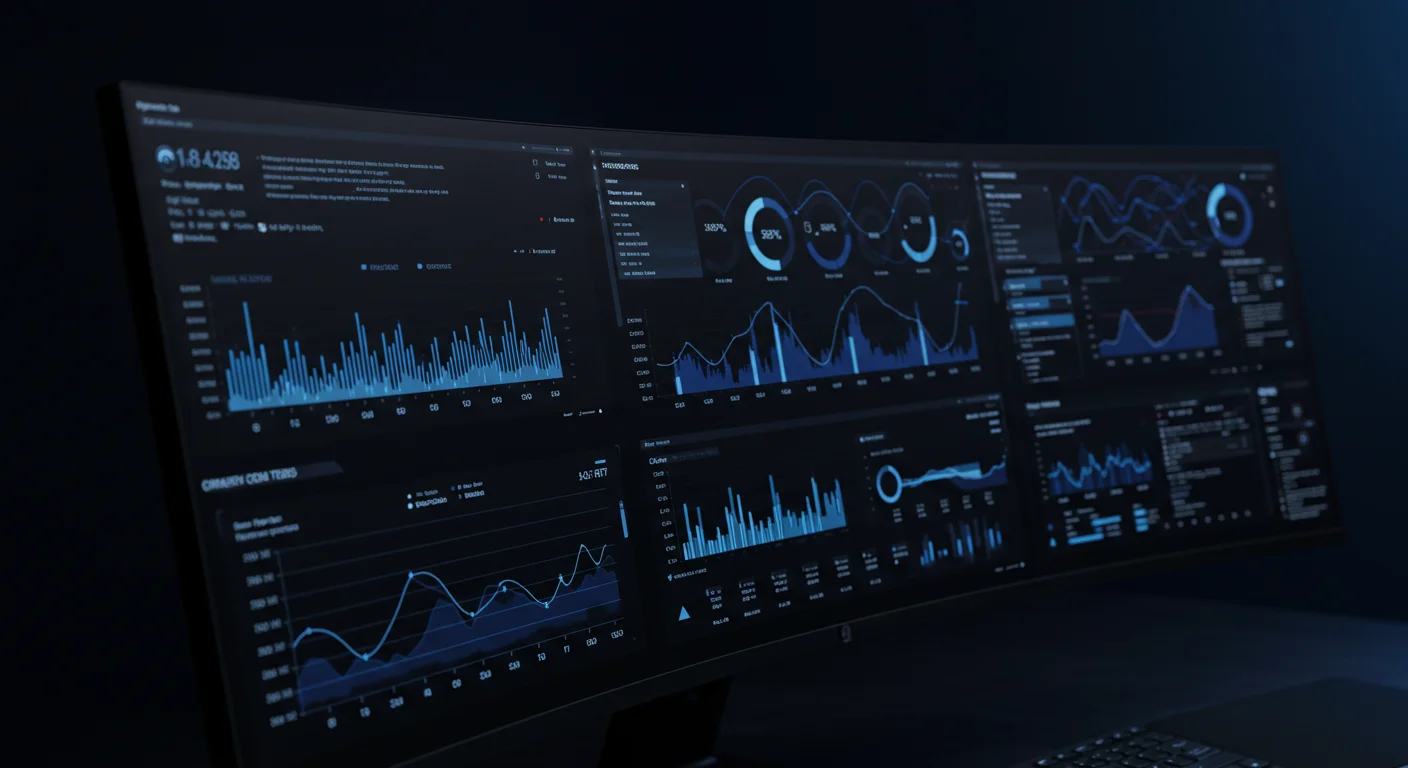
Response
From alert to evidence package in one click
Investigate any alert in the full activity timeline, correlate events across users and apps, then export a complete evidence package for legal, compliance, or your incident response team.
Request an assessment
Frequently asked questions
Free Assessment
Know your CRM
security posture
A CRM Security Assessment evaluates your environment across nine risk domains and delivers prioritized findings within 7 days — read-only, no commitment.
Evaluating AI agents in your CRM? Take the AI Exposure Assessment
What's covered
Identity & privilege review
Users, profiles, and permission sets
Connected app inventory
OAuth tokens and API access scopes
API usage audit
Service accounts and integration users
Authentication settings
MFA enforcement and session policy
Permission set analysis
Least-privilege gap assessment
Monitoring coverage gaps
What your SIEM isn't seeing